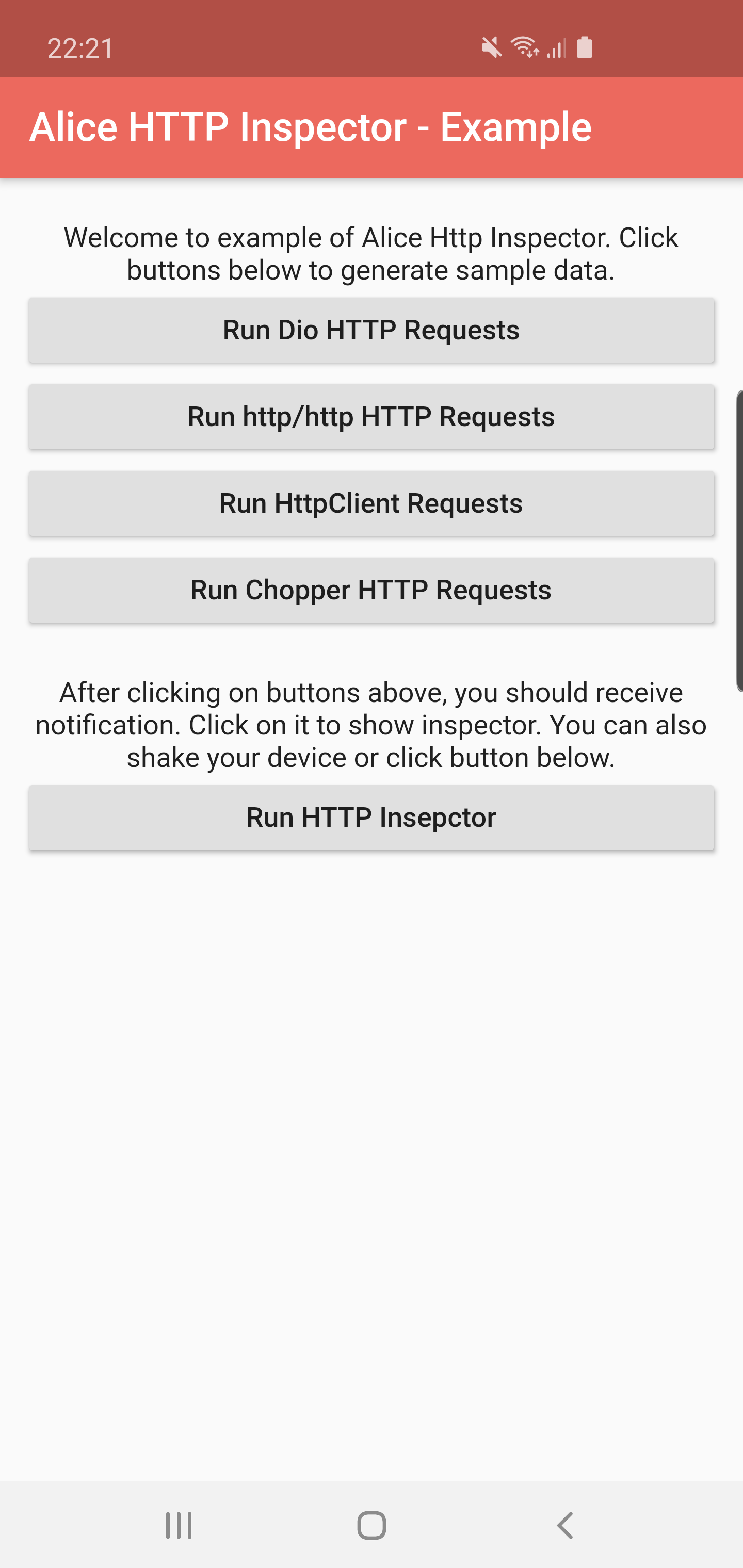
# Alice
[](https://pub.dartlang.org/packages/alice)
[](https://github.com/jhomlala/alice)
[](https://github.com/jhomlala/alice)
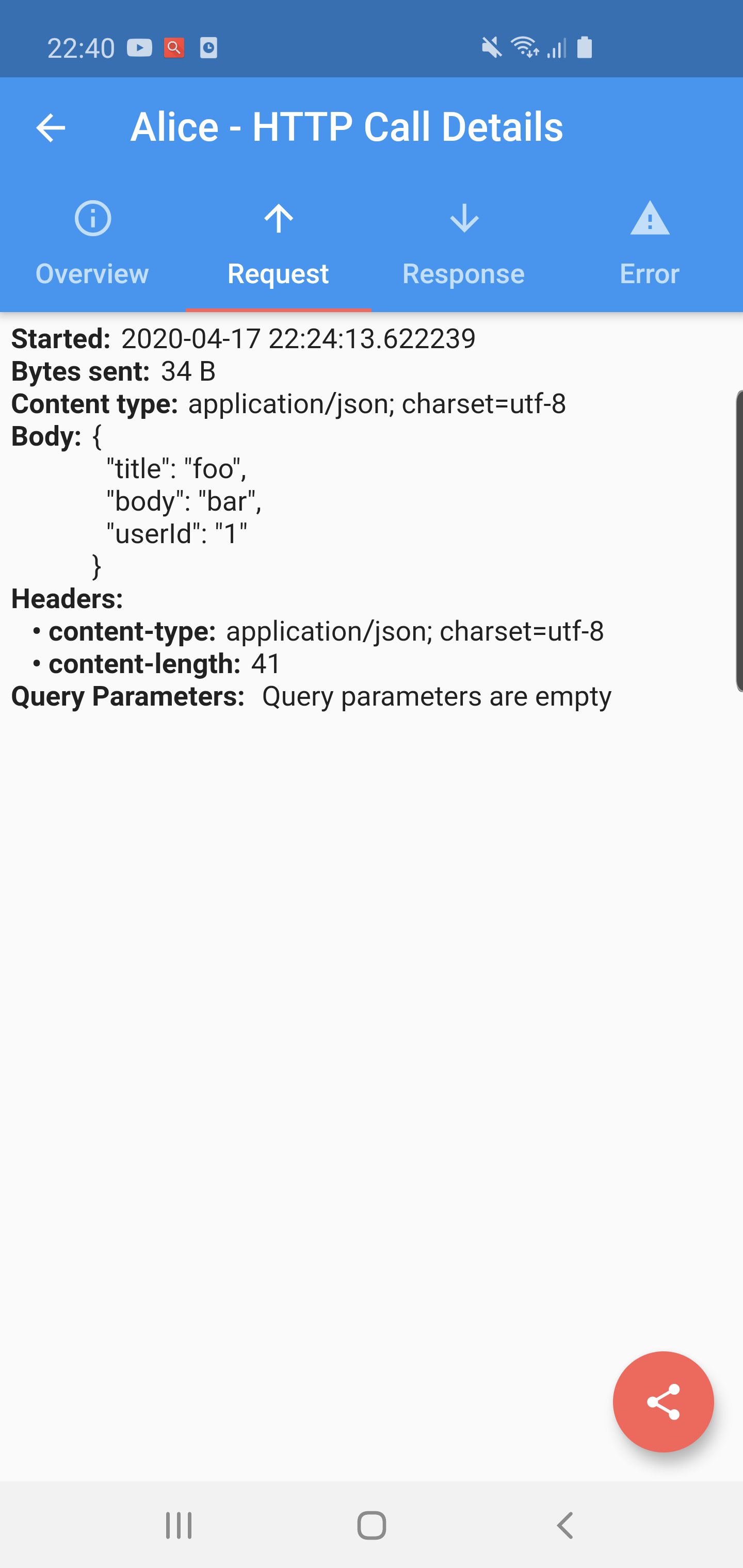
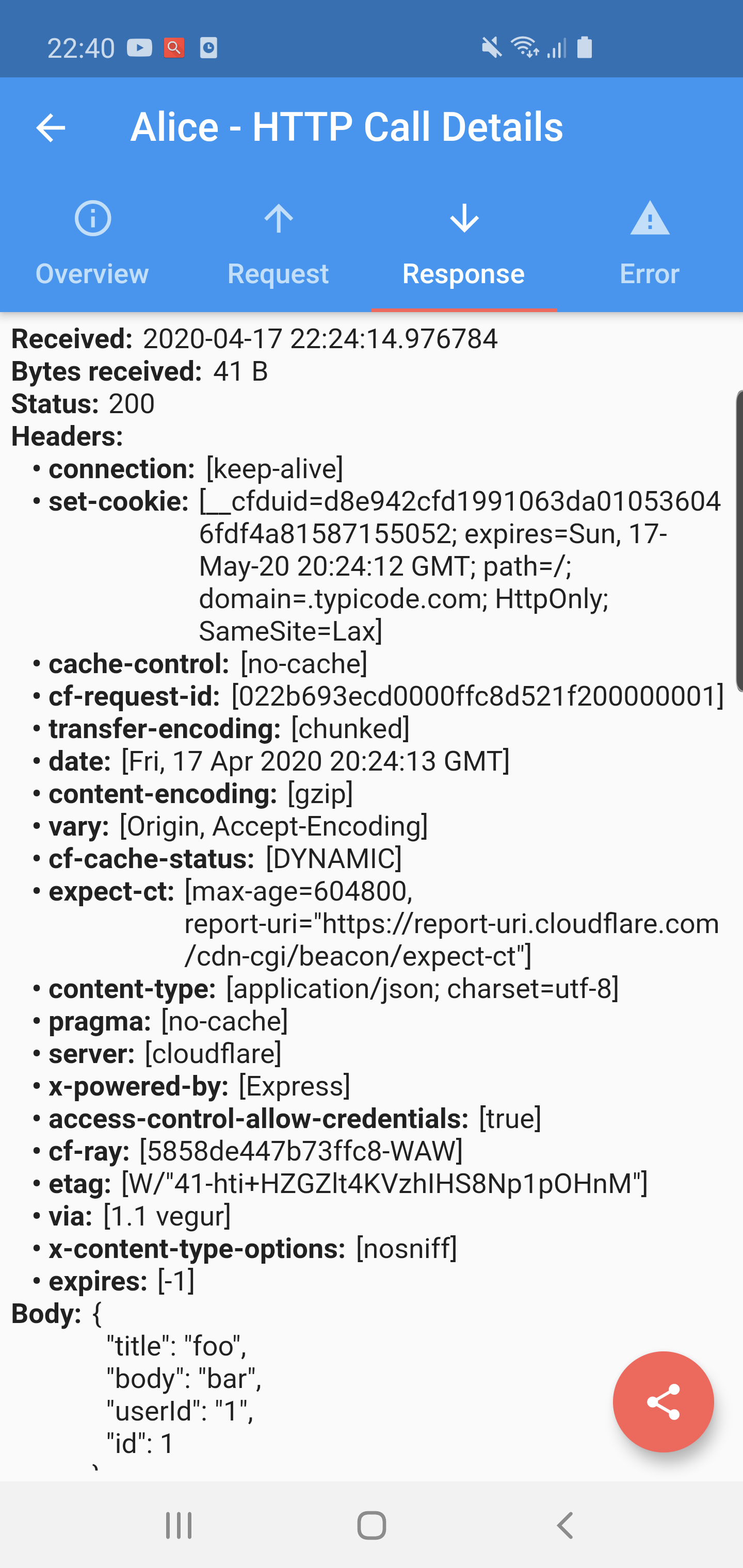
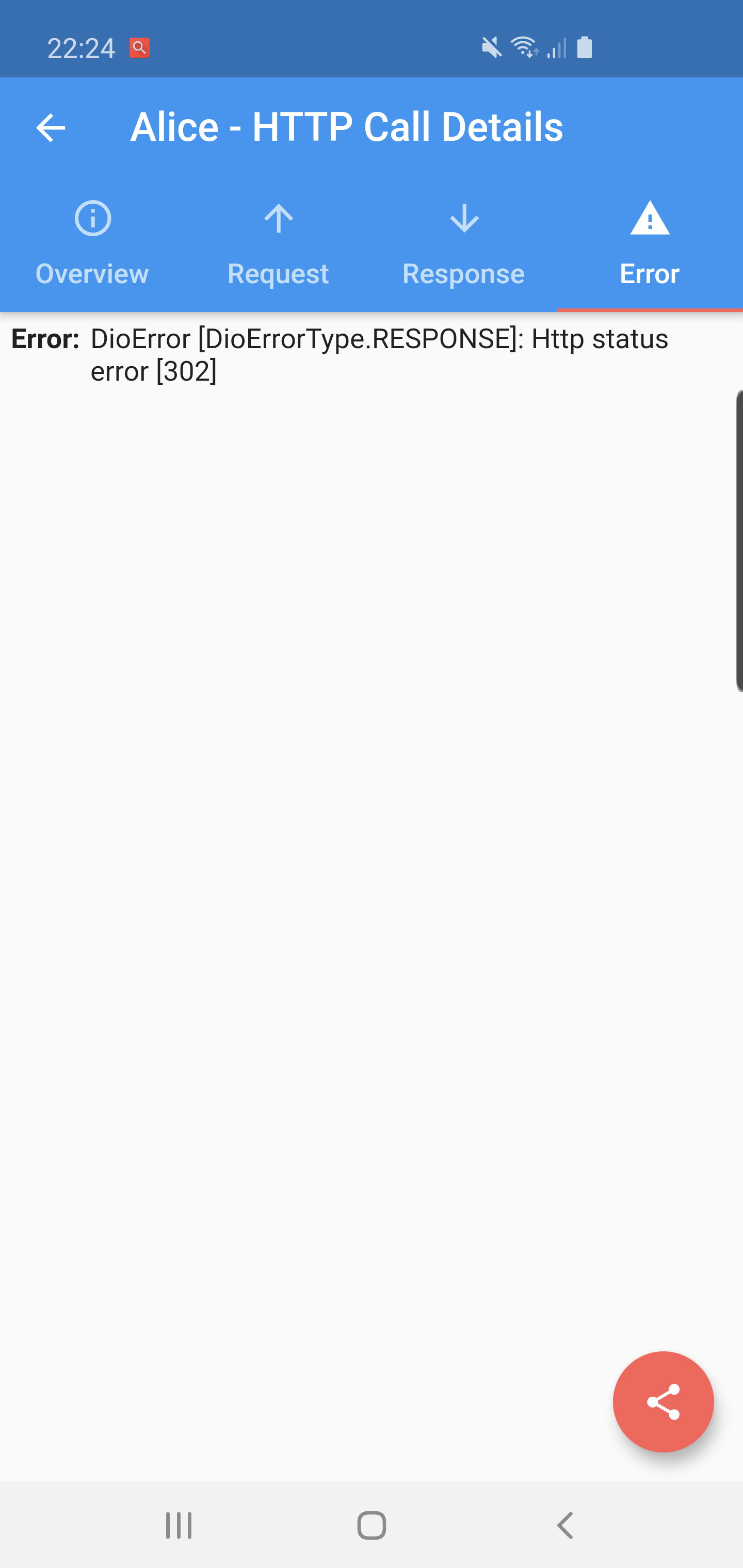
Alice is an HTTP Inspector tool for Flutter which helps debugging http requests. It catches and stores http requests and responses, which can be viewed via simple UI. It is inspired from [Chuck](https://github.com/jgilfelt/chuck) and [Chucker](https://github.com/ChuckerTeam/chucker).
**Supported Dart http client plugins:**
- Dio
- HttpClient from dart:io package
- Http from http/http package
- Chopper
- Generic HTTP client
**Features:**
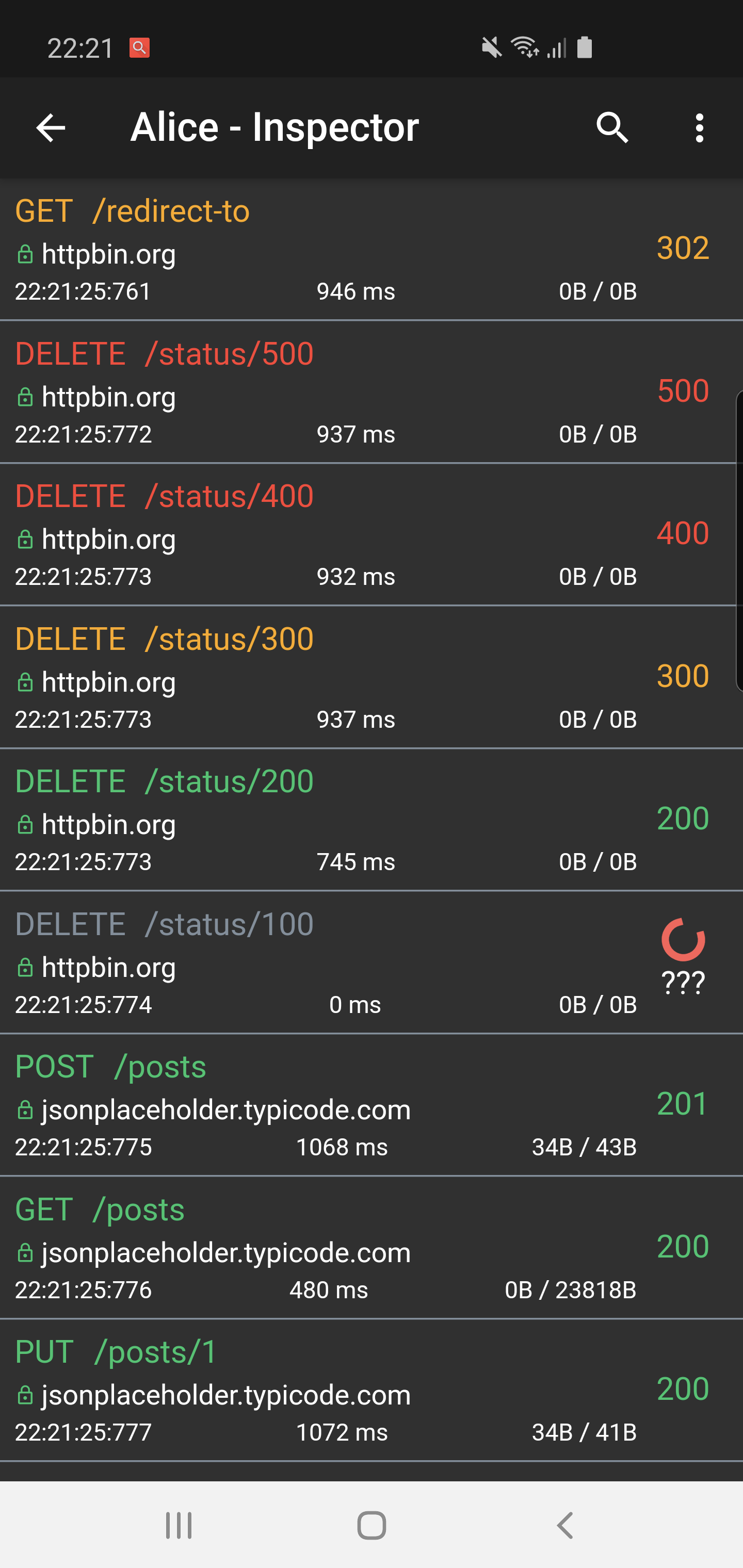
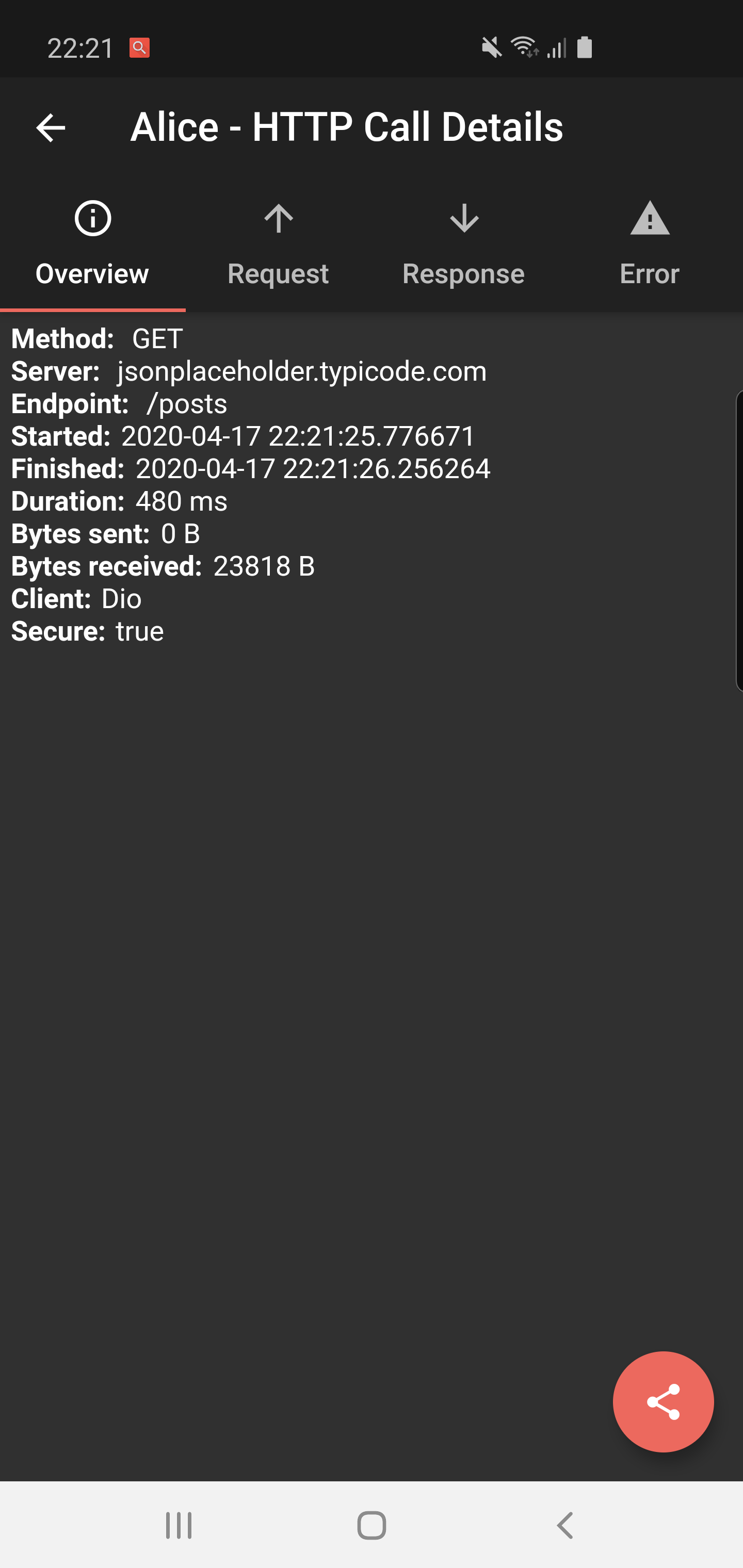
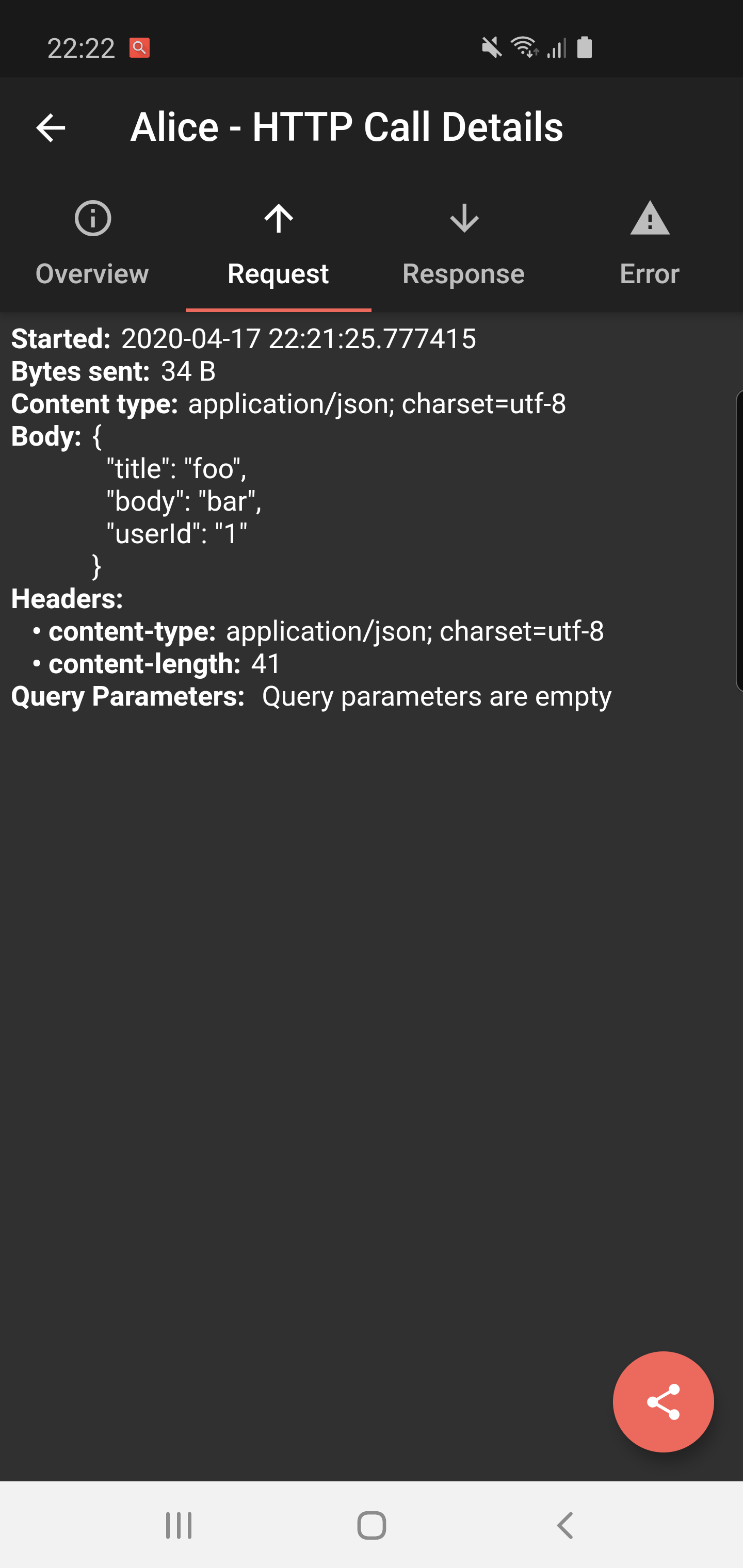
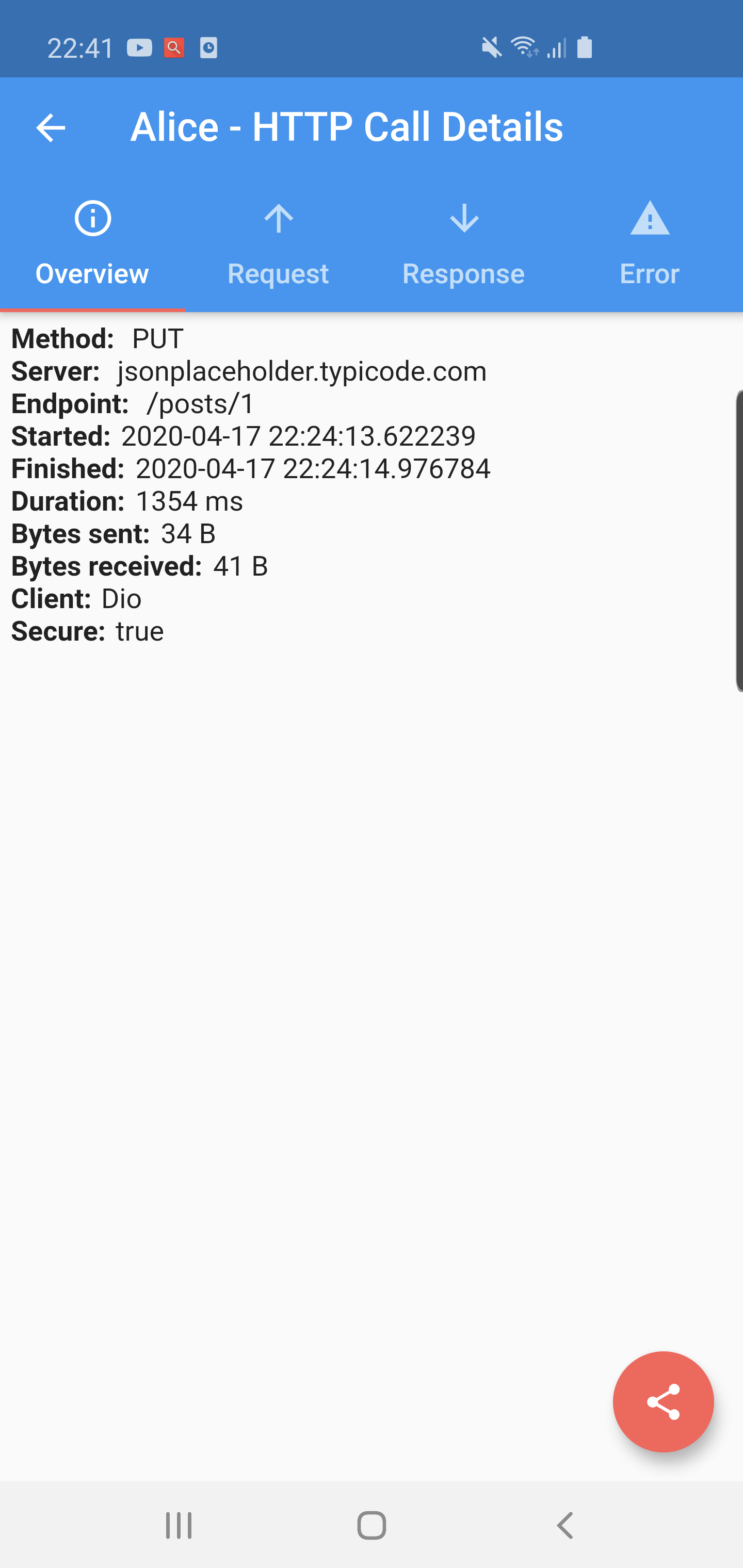
✔️ Detailed logs for each HTTP calls (HTTP Request, HTTP Response)
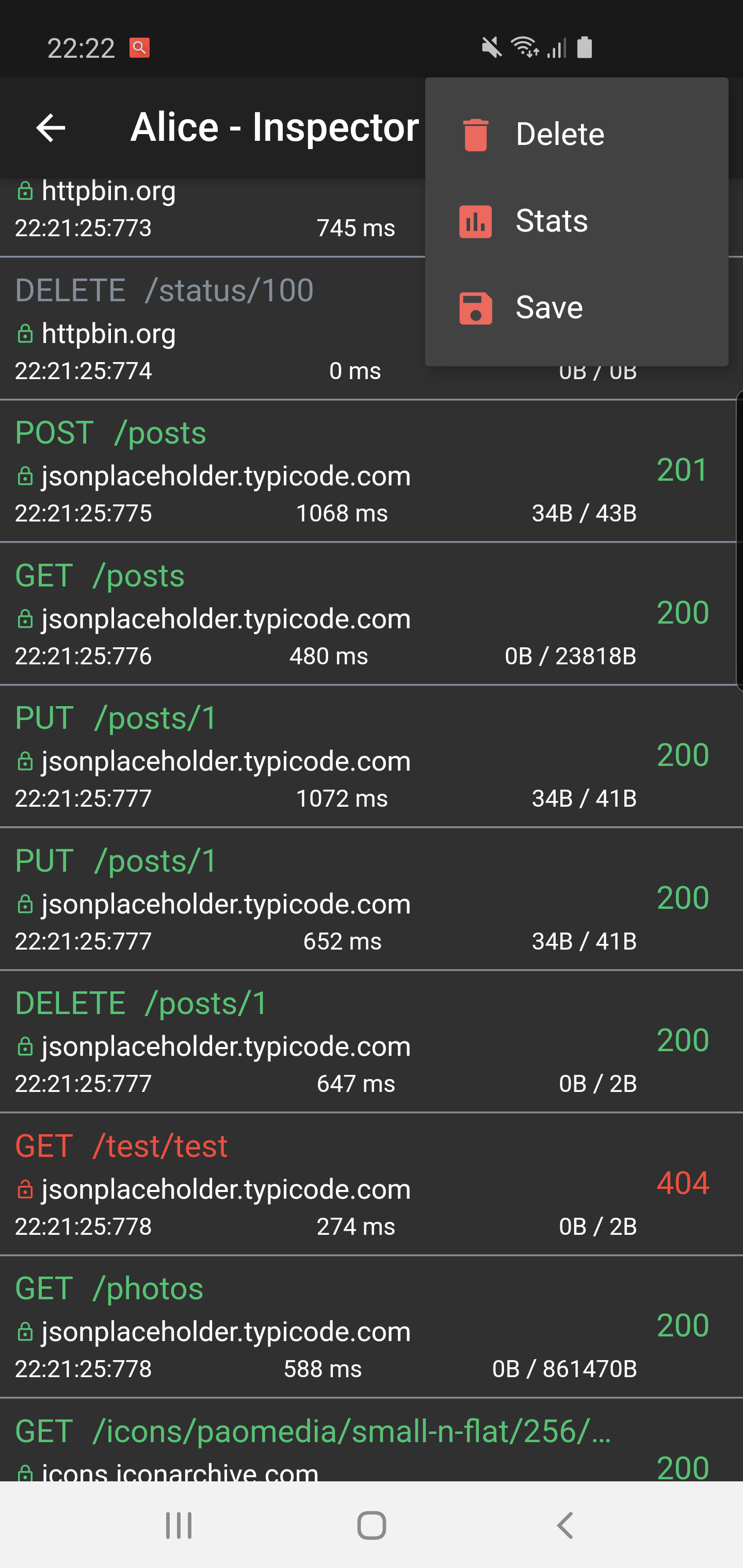
✔️ Inspector UI for viewing HTTP calls
✔️ Save HTTP calls to file
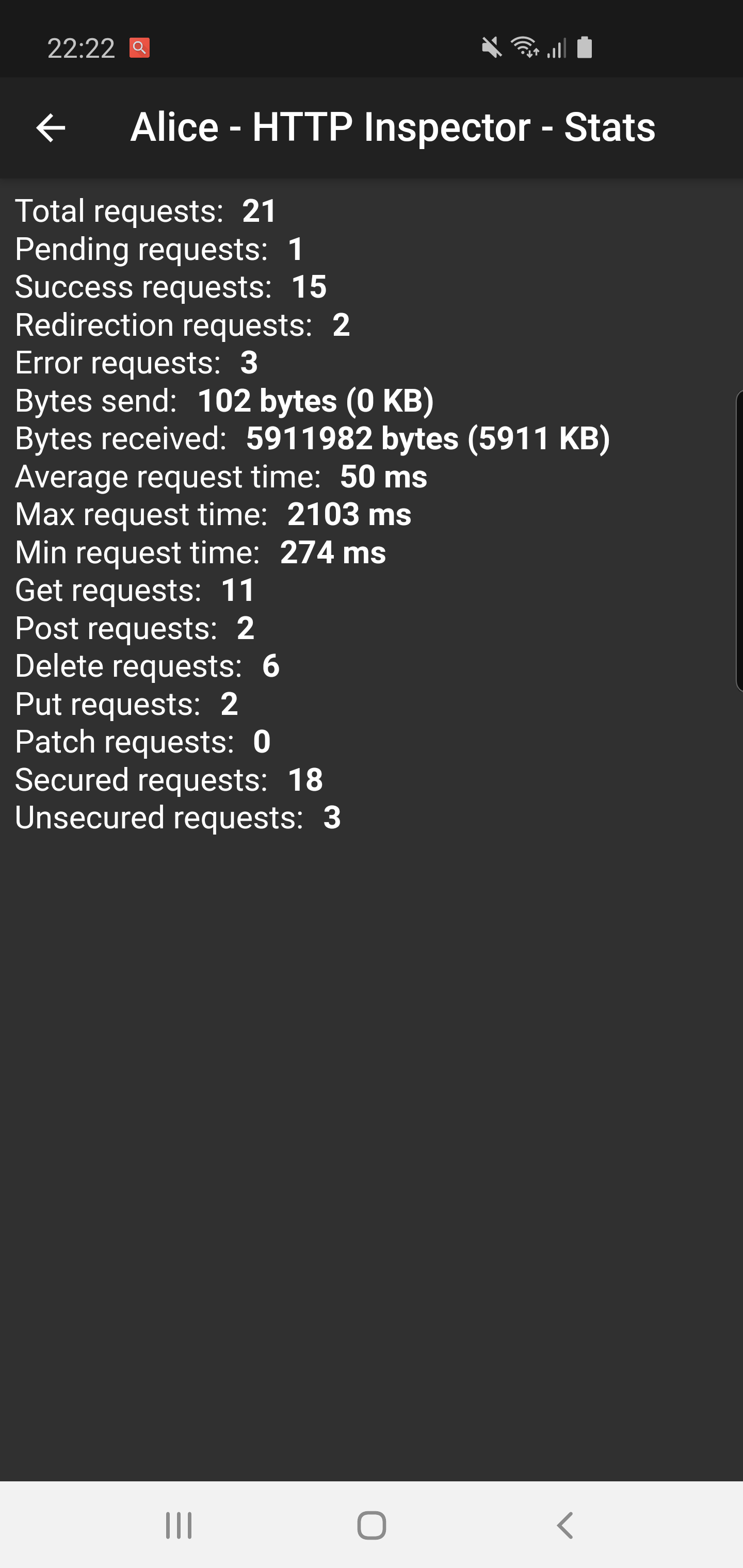
✔️ Statistics
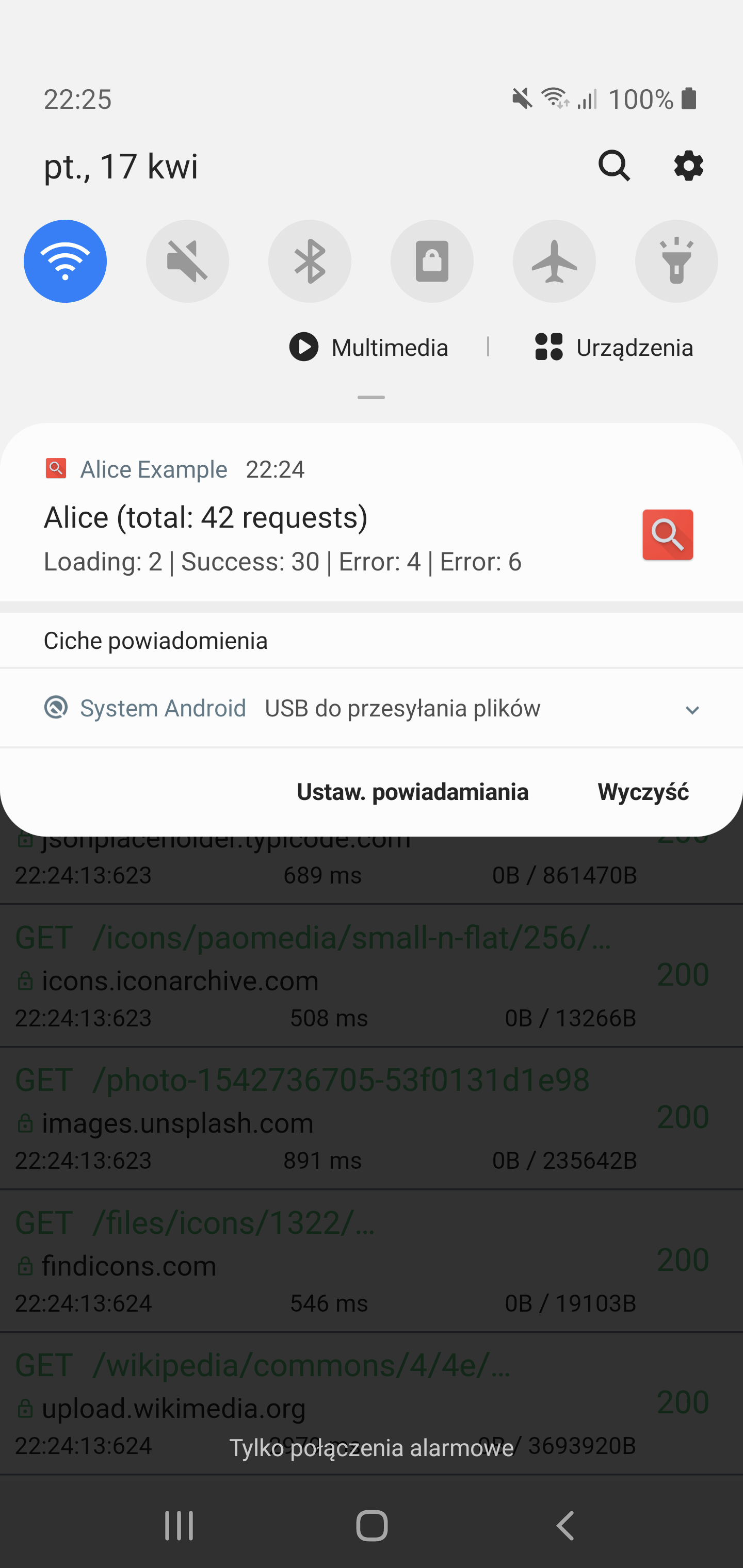
✔️ Notification on HTTP call
✔️ Support for top used HTTP clients in Dart
✔️ Error handling
✔️ Shake to open inspector
✔️ HTTP calls search
## Install
1. Add this to your **pubspec.yaml** file:
```yaml
dependencies:
alice: ^0.2.4
```
2. Install it
```bash
$ flutter packages get
```
3. Import it
```dart
import 'package:alice/alice.dart';
```
## Usage
### Alice configuration
1. Create Alice instance:
```dart
Alice alice = Alice();
```
2. Add navigator key to your application:
```dart
MaterialApp( navigatorKey: alice.getNavigatorKey(), home: ...)
```
You need to add this navigator key in order to show inspector UI.
You can use also your navigator key in Alice:
```dart
Alice alice = Alice(showNotification: true, navigatorKey: yourNavigatorKeyHere);
```
If you need to pass navigatorKey lazily, you can use:
```dart
alice.setNavigatorKey(yourNavigatorKeyHere);
```
This is minimal configuration required to run Alice. Can set optional settings in Alice constructor, which are presented below. If you don't want to change anything, you can move to Http clients configuration.
### Additional settings
You can set `showNotification` in Alice constructor to show notification. Clicking on this notification will open inspector.
```dart
Alice alice = Alice(..., showNotification: true);
```
You can set `showInspectorOnShake` in Alice constructor to open inspector by shaking your device (default disabled):
```dart
Alice alice = Alice(..., showInspectorOnShake: true);
```
If you want to use dark mode just add `darkTheme` flag:
```dart
Alice alice = Alice(..., darkTheme: true);
```
If you want to pass another notification icon, you can use `notificationIcon` parameter. Default value is @mipmap/ic_launcher.
```dart
Alice alice = Alice(..., notificationIcon: "myNotificationIconResourceName");
```
If you want to limit max numbers of HTTP calls saved in memory, you may use `maxCallsCount` parameter.
```dart
Alice alice = Alice(..., maxCallsCount: 1000));
```
If you want to change the Directionality of Alice, you can use the `directionality` parameter. If the parameter is set to null, the Directionality of the app will be used.
```dart
Alice alice = Alice(..., directionality: TextDirection.ltr);
```
### HTTP Client configuration
If you're using Dio, you just need to add interceptor.
```dart
Dio dio = Dio();
dio.interceptors.add(alice.getDioInterceptor());
```
If you're using HttpClient from dart:io package:
```dart
httpClient
.getUrl(Uri.parse("https://jsonplaceholder.typicode.com/posts"))
.then((request) async {
alice.onHttpClientRequest(request);
var httpResponse = await request.close();
var responseBody = await httpResponse.transform(utf8.decoder).join();
alice.onHttpClientResponse(httpResponse, request, body: responseBody);
});
```
If you're using http from http/http package:
```dart
http.get('https://jsonplaceholder.typicode.com/posts').then((response) {
alice.onHttpResponse(response);
});
```
If you're using Chopper. you need to add interceptor:
```dart
chopper = ChopperClient(
interceptors: alice.getChopperInterceptor(),
);
```
If you have other HTTP client you can use generic http call interface:
```dart
AliceHttpCall aliceHttpCall = AliceHttpCall(id);
alice.addHttpCall(aliceHttpCall);
```
## Show inspector manually
You may need that if you won't use shake or notification:
```dart
alice.showInspector();
```
## Saving calls
Alice supports saving logs to your mobile device storage. In order to make save feature works, you need to add in your Android application manifest:
```xml
```
## Extensions
You can use extensions to shorten your http and http client code. This is optional, but may improve your codebase.
Example:
1. Import:
```dart
import 'package:alice/core/alice_http_client_extensions.dart';
import 'package:alice/core/alice_http_extensions.dart';
```
2. Use extensions:
```dart
http
.post('https://jsonplaceholder.typicode.com/posts', body: body)
.interceptWithAlice(alice, body: body);
```
```dart
httpClient
.postUrl(Uri.parse("https://jsonplaceholder.typicode.com/posts"))
.interceptWithAlice(alice, body: body, headers: Map());
```
## Example
See complete example here: https://github.com/jhomlala/alice/blob/master/example/lib/main.dart
To run project, you need to call this command in your terminal:
```bash
flutter pub run build_runner build --delete-conflicting-outputs
```
You need to run this command to build Chopper generated classes. You should run this command only once,
you don't need to run this command each time before running project (unless you modify something in Chopper endpoints).